1
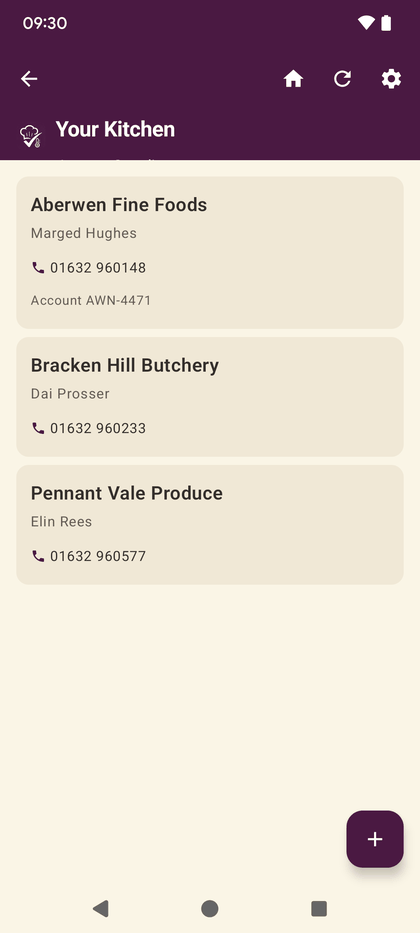
Suppliers
Who you buy from, with contact details and account numbers. Deliveries and invoices both hang off this list, so it is worth filling in once properly.
2
Invoices
Photograph a supplier invoice and the lines are read off it, so prices and stock update without typing them in twice.
3
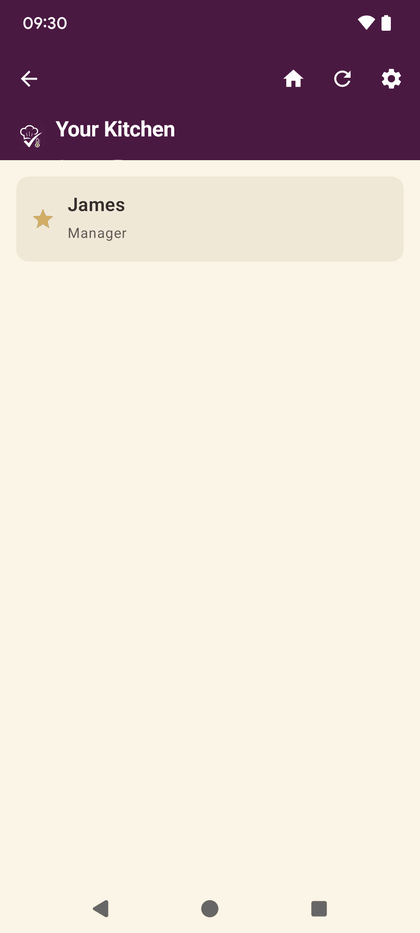
Your team
Add the people who work in your kitchen and set what each of them can do. Roles decide who can verify allergens, add suppliers and sign things off.
4
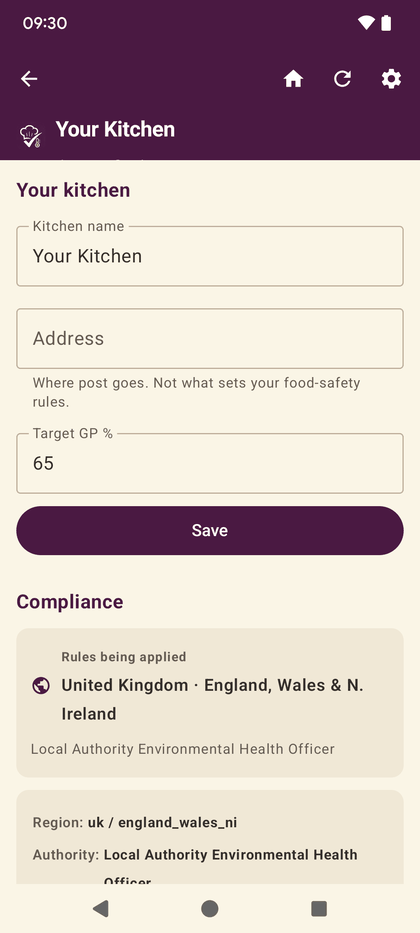
Settings
Where the kitchen’s own rules live — location and the food-safety scheme that follows from it, units, and what the app expects of your kitchen.